
What you can do
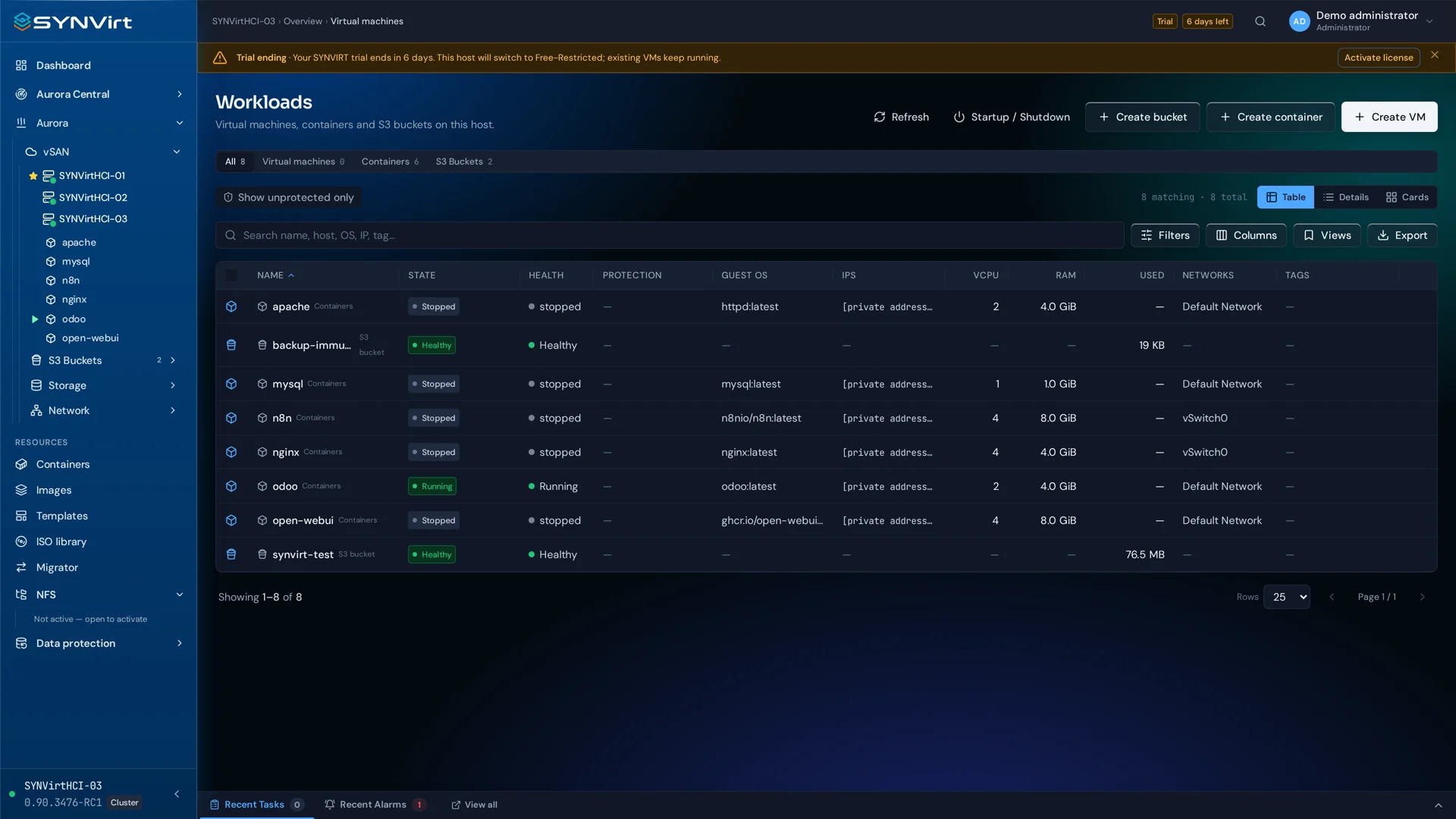
The enhanced console brings VM video and audio through WebRTC, alongside keyboard and mouse in an authenticated session.
Video up to 4K at 60 FPS
Virtual machine audio
Browser-based keyboard and mouse control
Select the VM you need to inspect or operate.
Open an authenticated console session from its product page.
Interact with the guest and close the session when your task is complete.
Deployment considerations
Actual resolution and frame rate depend on session configuration, the guest, browser, host capacity and network. Choose a quality profile that fits your connection.
Contact