
What you can do
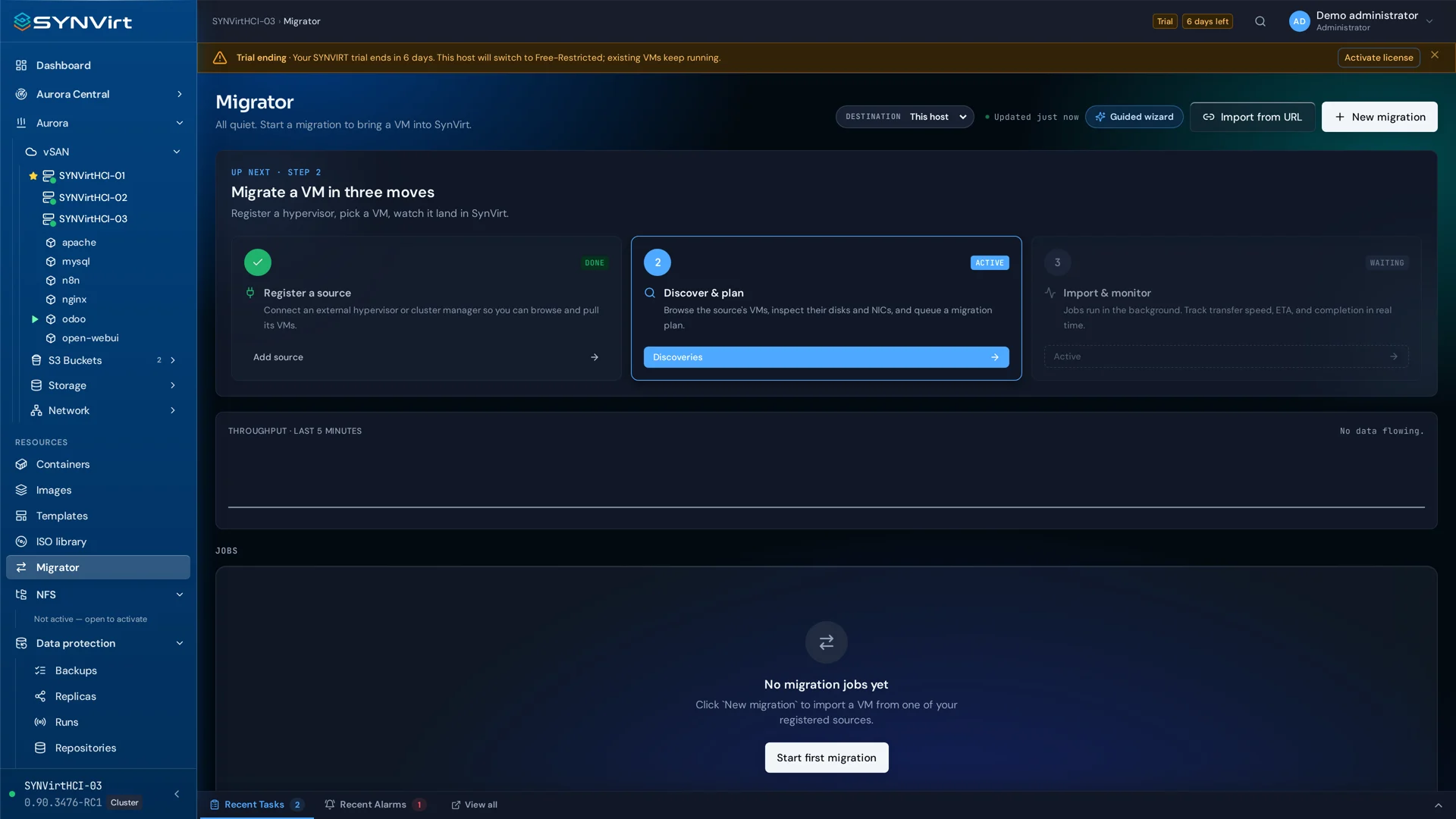
Bringing an existing guest into SYNVirt begins with its source, disk format and dependencies. Review each import job and its destination resources. The imported machine needs a validation step before it becomes a production workload.
Review source-platform and offline import options.
Follow the progress of each import job.
Check guest configuration and compatibility after import.
Inventory the source guest and select a supported import method.
Review disk placement, networking and the job progress.
Validate the imported guest before moving production traffic.
Deployment considerations
Import is not a promise of uninterrupted live migration. Verify formats and adapters for the chosen release.
Contact