
What you can do
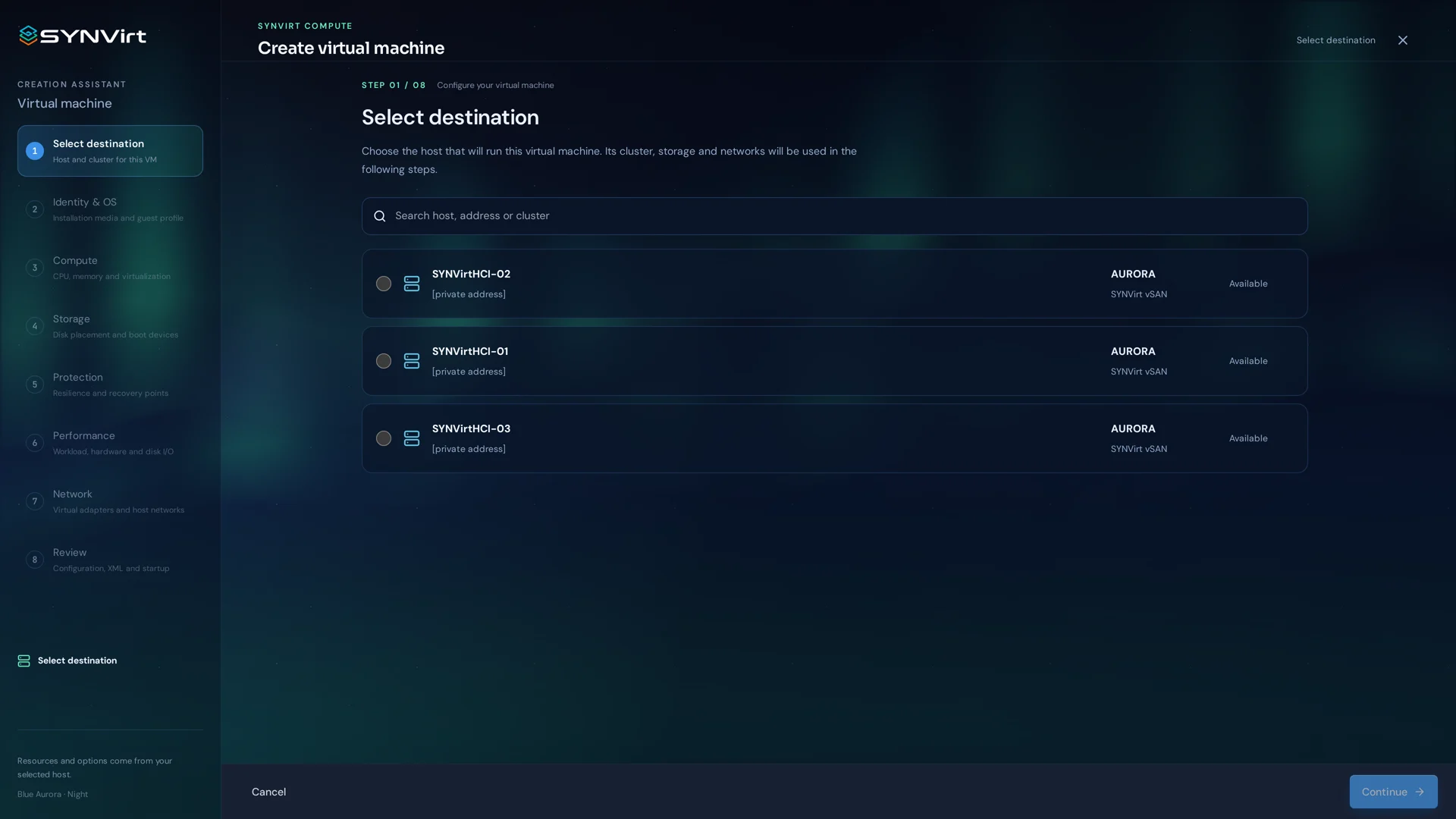
The VM wizard separates guest preparation into a clear sequence: origin and operating system, resources, networking and disks, then a final review. Each choice belongs in the configuration summary before the machine is created.
Choose the origin and guest operating system.
Assign CPU, memory, disks and networking.
Review the configuration before creating the VM.
Select an origin, name and operating system for the guest.
Review the CPU, memory, disk and network choices against available resources.
Read the final summary, create the VM and verify its state.
Deployment considerations
This is the VM creation workflow, separate from appliance installation. Validate available media, capacity and guest compatibility first.
Contact