
What you can do
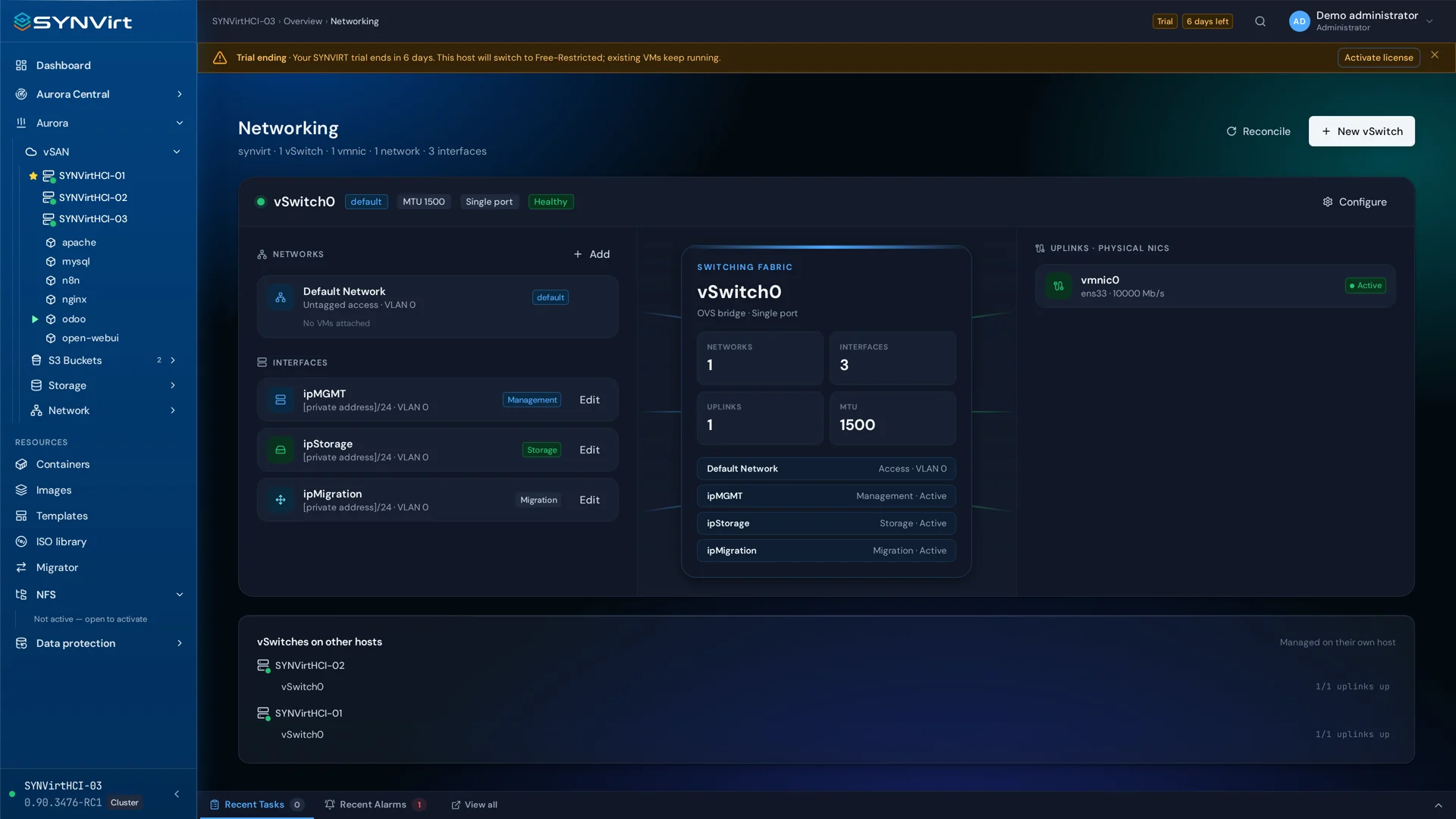
Virtual networking connects guests to the networks they need. Open vSwitch is the foundation for the virtual switch layer. Review guest interfaces and administration connectivity together before applying changes.
Configure virtual switches and VM network interfaces.
Review network tags and firewall configuration.
Plan changes to the management network carefully.
Identify the management network and guest connections.
Review virtual switches, interfaces and network labels.
Validate connectivity and recovery after a configuration change.
Deployment considerations
Confirm persistence and recovery procedures for the release before network changes.
Contact